Being a video creator, the scariest thing is data loss. All the footage you worked so hard to collect suddenly goes to zero, and that kind of blow is really hard to accept. That is why a long time ago I bought several large-capacity mechanical hard drives and backed up data regularly. What I should have done from the beginning was build a real NAS and use multi-drive RAID to solve data reliability issues. Instead, I chose a lazy approach. I connected one big hard drive directly to my Mac mini and used a script to automatically sync everything from the SSD. As long as the two drives did not fail at the same time, my data would never be lost.
Over time, however, the drawbacks of this method exploded. A month ago while cleaning up my development environment, I accidentally changed the path of that sync script. After rebooting, I thought the script was still running, but in fact it had stopped completely. So when my SSD finally died, all the data from the past month was gone.
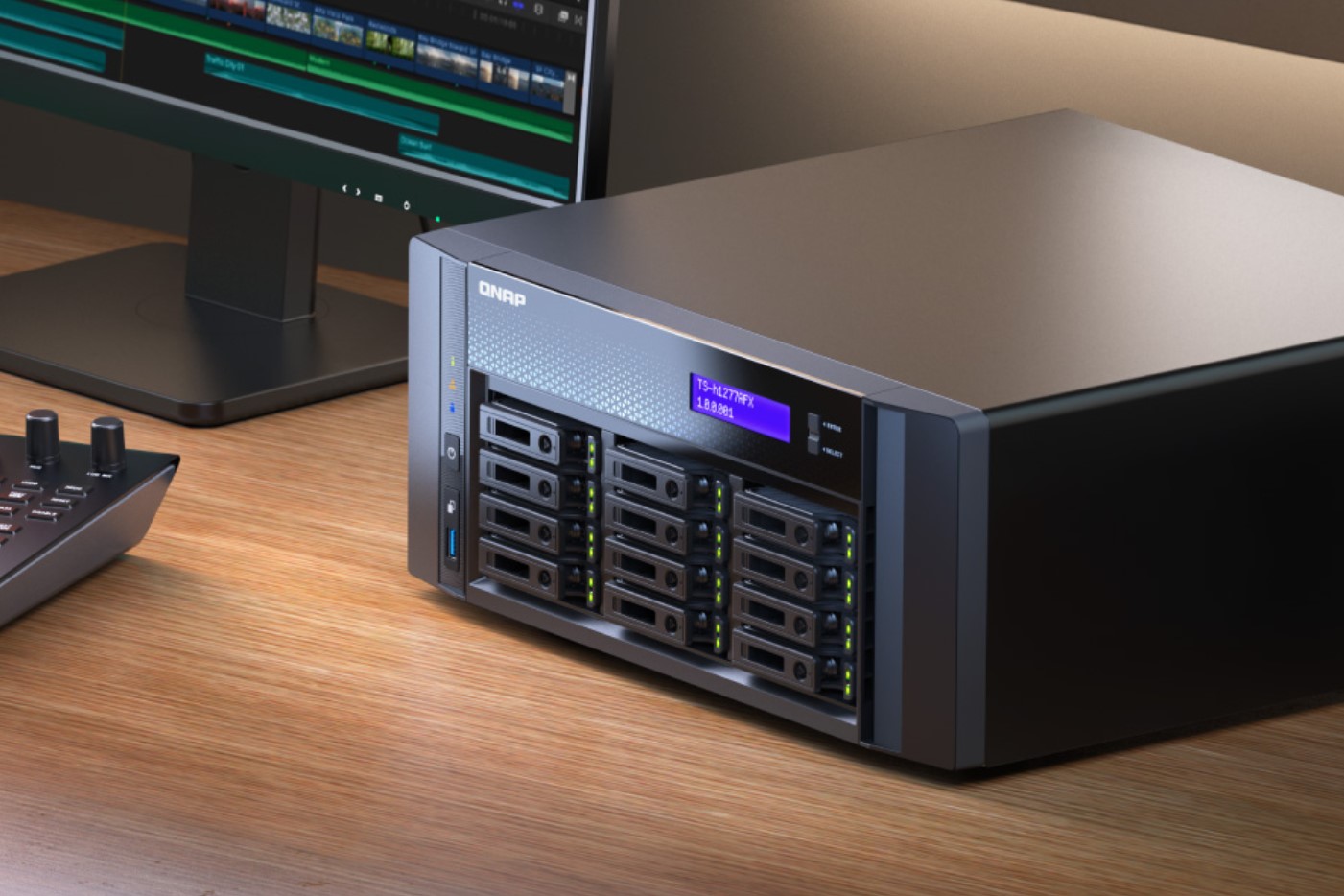
Because of the type of videos I make, my main assets are just some images, and most of my workflow relies on various online AI tools or software that already has cloud sync. The actual loss was not huge. But for travel vloggers or any creator who appears on camera and shoots a lot of raw footage, a hard drive failure would be an unimaginable disaster. Therefore, building a hard drive array and setting up a simple NAS has become an essential option for video creators.
I know not everyone is willing to spend a lot of money on video production. There are countless NAS solutions on the market right now, many of them feature-packed and quite expensive. So in this video I want to share the simplest and cheapest setup that works perfectly for creators just starting out with a limited budget. Rich people can skip this.
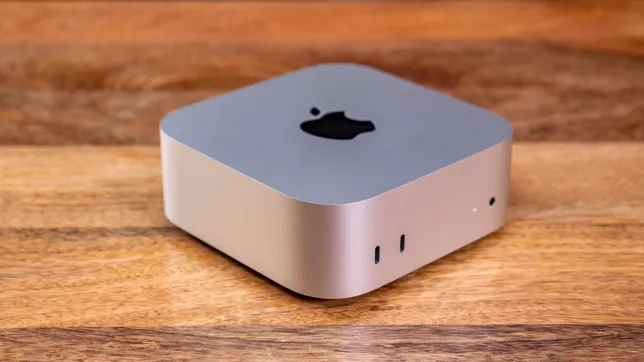
My daily editing machine is the entry-level M4 Mac mini with a 256GB drive and 24GB of RAM. I got it with the education discount for a little over 500 US dollars. Before this I used an M1 MacBook Air with 16GB of RAM, and it is still perfectly capable of handling the job today. My biggest mistake was not adding the 10G Ethernet port option, which costs about 100 dollars extra. That can be fixed later with a dock. There are many solutions available. You can choose between 2.5G or 10G. Most people pick 2.5G because it is cheap and more than fast enough.
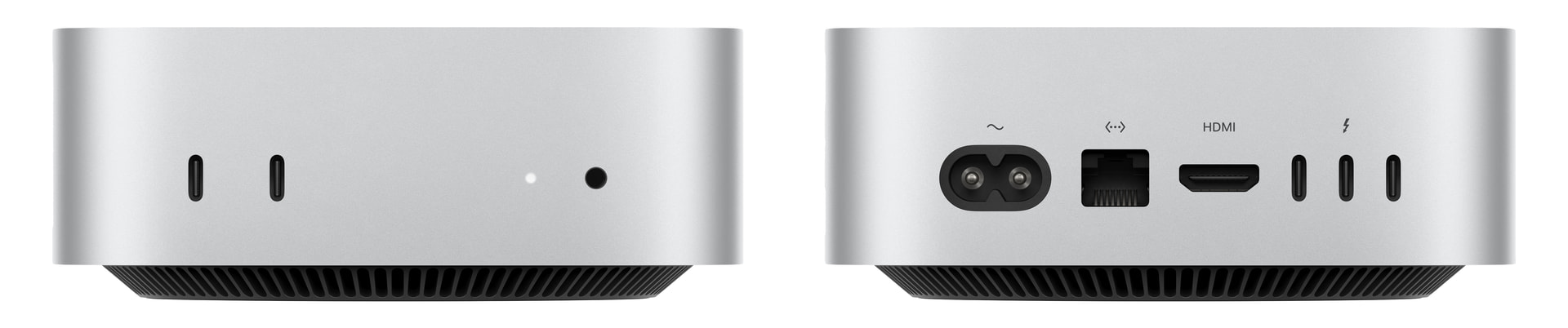
The M4 Mac mini has five USB-C ports. The three on the back are 40Gb/s Thunderbolt ports (also called USB4), and the two on the front are 10Gb/s USB 3.1 Gen 2 ports. There are plenty of ports and the speeds are more than sufficient. All you need to do is buy a mechanical hard drive enclosure/array box online. You can easily find good ones under 150 dollars with lots of choices. Connect it to any port on the Mac mini via USB. Since mechanical drives rarely exceed 200 MB/s, four to five drives in RAID is usually enough. If the enclosure has many bays, just plug it into one of the rear Thunderbolt ports.
The advantage of an array is that multiple drives can read and write in parallel. Five drives can theoretically approach 1GB/s, which is close to regular SSD speeds and more than enough for editing 4K video. Keep in mind that four to five drives is the sweet spot for this kind of setup. Adding more does not help much. For the enclosure itself, something around 100 dollars works great. No need to chase premium brands. Another big advantage is that when one drive fails, you simply replace it without any complicated operations.
How many drives you use and what capacity is entirely up to your own needs. Right now a 4TB mechanical drive costs about 120 dollars. You can buy five of them plus an enclosure, set it to RAID 5, and get 16TB of usable space (losing one drive worth of capacity for redundancy). The total cost is well under 800 dollars. If you want even more space, just spend a bit more.
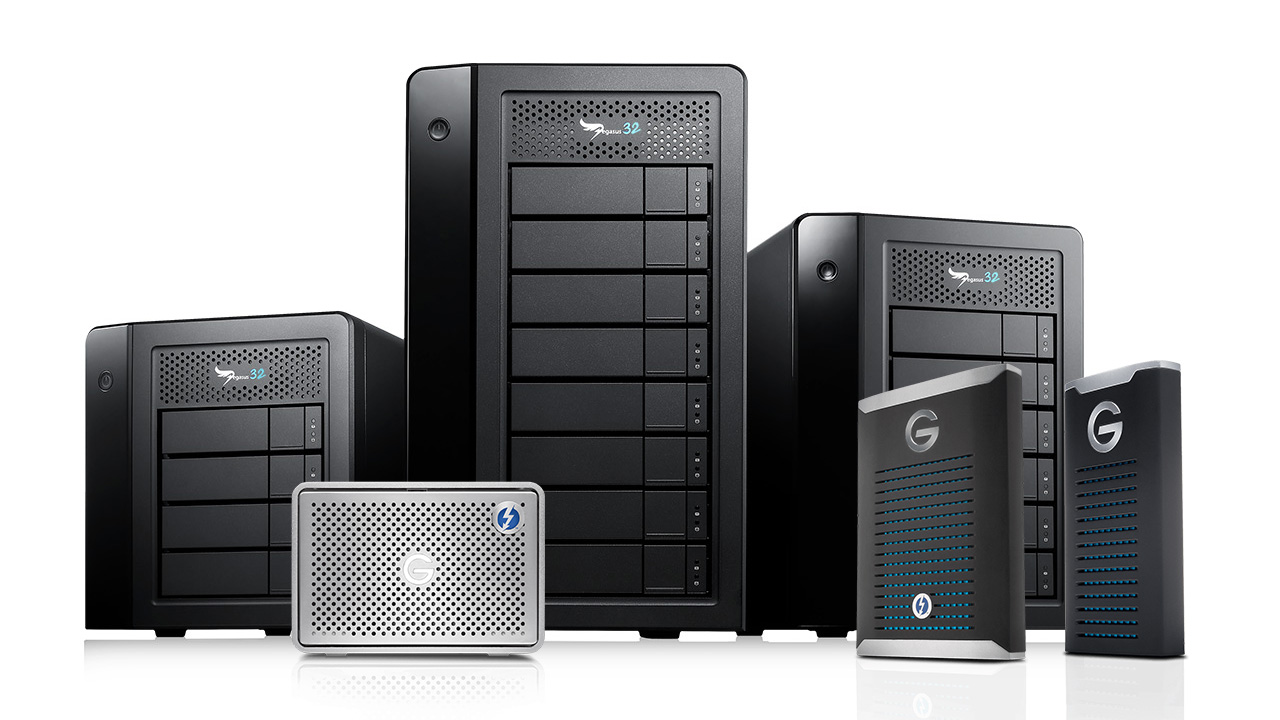
Of course, if you want to save as much money as possible, there are huge single 3.5-inch drives with their own power supply. A 24TB drive costs only about 400 dollars. For 2000 dollars you can buy five and end up with a 96TB monster array. You will need a power strip and a multi-port Thunderbolt dock. These big drives do not come with built-in RAID, but you can use the built-in Disk Utility in macOS to create a simple RAID 5 array yourself. This solution is crude and not elegant, but it is extremely cheap.
Now let me explain why I do not recommend a traditional NAS for this use case. When editing video, direct-attached storage is perfectly fine. There is no need to pay extra for network features you will barely use. macOS itself is an excellent system with much lower idle power consumption than most NAS operating systems, and the M4 chip completely crushes every NAS CPU on the market in performance.
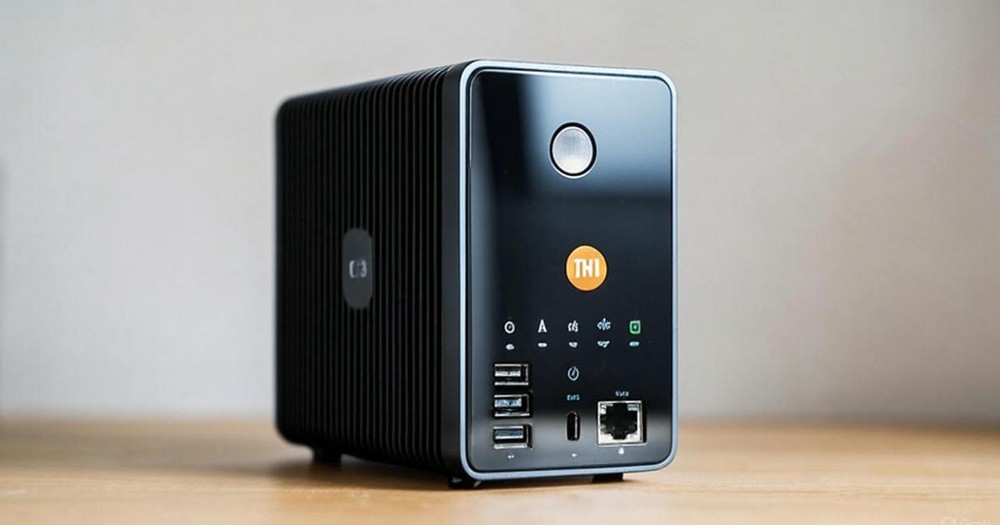
You can set the drive array to share via Samba over a 2.5G or 10G connection, and every Windows PC or iPhone in the house can access it easily. On Windows you can even map it as a local drive. For the vast majority of people this is already more than enough.
One more thing: macOS in sleep mode does not prevent remote access or waking up the drives. It is based on BSD Unix and fully supports remote login and even remote graphical interface operation. Thanks to Apples strong technical foundation and ecosystem, you can confidently treat it as a simple NAS. Of course it lacks many advanced features found on dedicated NAS systems, such as one-click Docker deployment or integrated soft routing. But honestly, ordinary people do not need those features. For those who love to tinker, the ceiling of what you can do on macOS is extremely high.

For regular video creators, spending about 500 dollars on an M4 Mac mini, setting up the workspace properly, and configuring the network lets you escape the constant upgrades and crashes of Windows and focus entirely on creating content. Mainstream editing software like CapCut, DaVinci Resolve, and Premiere all run excellently on Mac, and there is also Apples exclusive Final Cut Pro. It is absolutely the first choice for video creators.
====================TIPS==================
Please Choose Raid6, not Raid5 for important data!