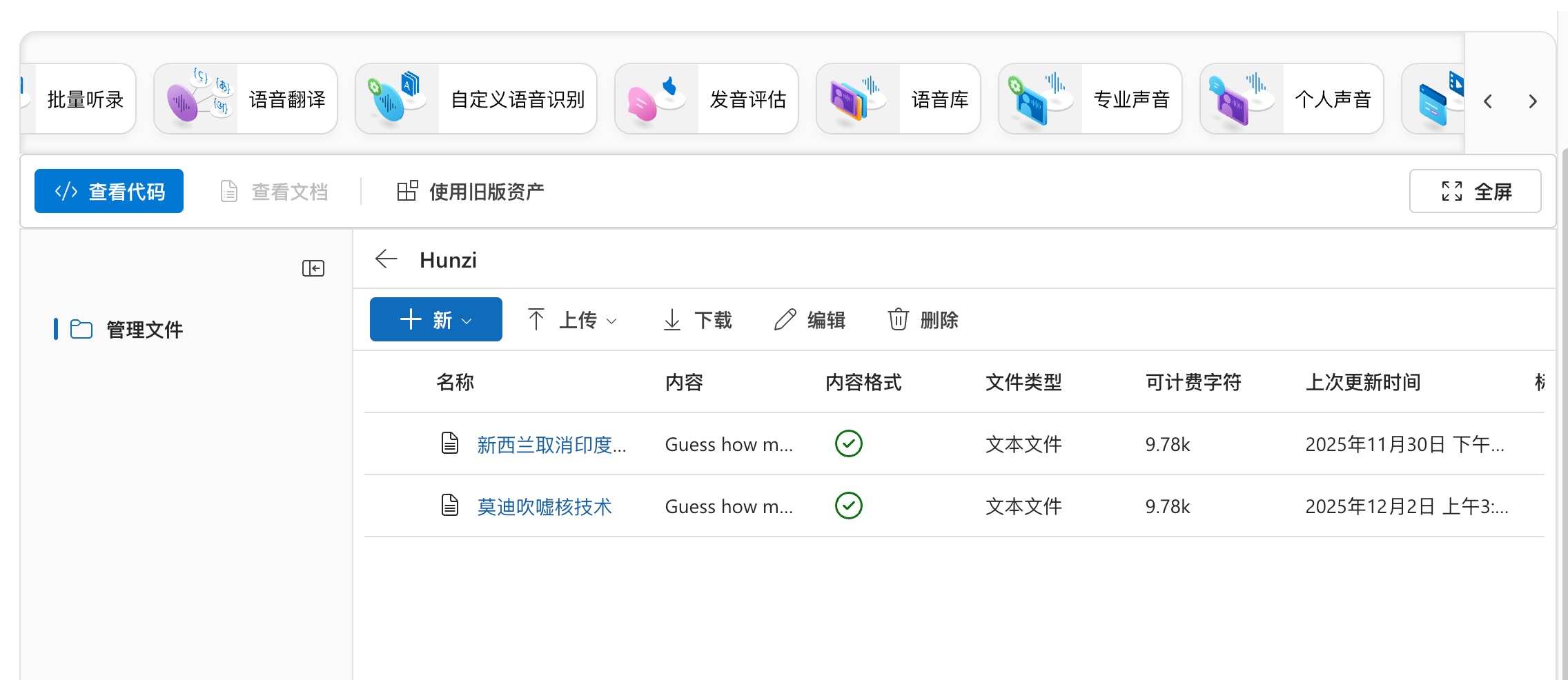
Due to frequent fluctuations in online AI services recently, my workflow has been greatly affected, especially Microsoft’s AI voice service, which has developed obvious bugs. Surprisingly, this service is still being provided. I control voice output through scripts, yet it is hard to avoid its AI sentence-breaking errors. I can hardly imagine how people who do not understand scripting continue to use it. Even more frightening is that it has been a week, and Microsoft seems to have made no effort to fix this bug. During my video production this morning, I tried switching back to Microsoft’s voice service again and found the bug still present. Yes, when your workflow depends on a black-box component, you face huge risks. If I had not quickly set up a local AI service in a short time and cloned Microsoft’s voice role, my daily work would have been substantially impacted. So I am very grateful to the open-source community. VoxCPM, contributed by a Chinese team, has provided me with a stable local workflow. I have built my own workflows on both Mac and PC, and it runs very efficiently on Linux systems as well. This means that in the future, I will not worry about being tied to any commercial software.
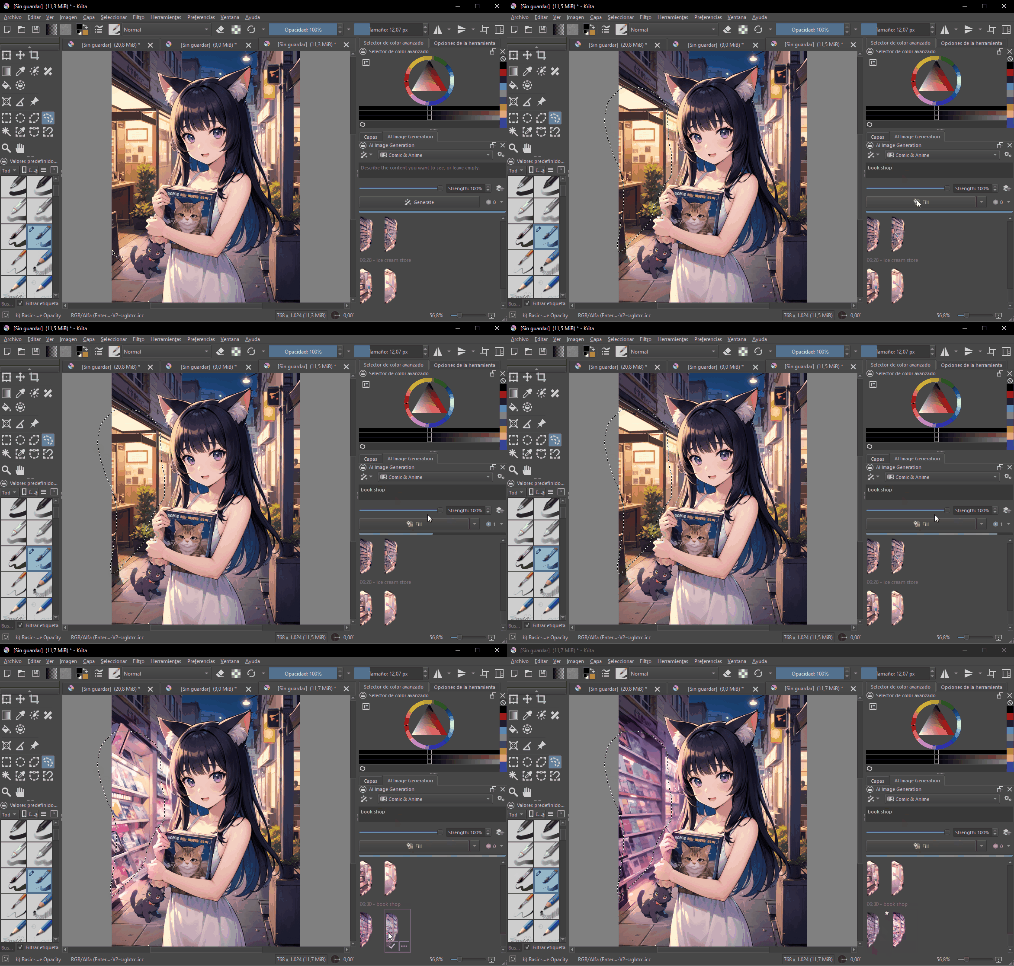
Besides voice, the AI functions I use most are writing and translation. Almost all chat-based large models can handle these. Then there are some music generation AIs that help me replace copyrighted music. If I want to make creative videos, AI can also help me face-swap specific characters. I also enjoy drawing, and AI can work with the open-source Krita software to assist me in painting, with good results. If I want to generate story illustrations through AI in the future, it can easily do that too. AI can help me write code. Using it, I rewrote my forum’s UI in just ten minutes, making it very clean and refreshing. Everyone is welcome to visit and experience the forum. I will maintain it long-term as an online demo to share website operation and maintenance experience. In addition, I have tried functions like making images speak, data analysis, information retrieval and report generation, analyzing YouTube videos and automatically generating articles, and more. In this video, I briefly share the hardware configurations needed for these commonly used AI services.
First, let’s talk about general AI, that is, chatbots. These LLMs can be called through applications like Ollama, LM Studio, Cherry Studio, and Chatbox. Usually, models with more than 14B parameters are usable, and 30B parameters is a sweet spot. In most cases, it is already very close to our online AI services. Only for complex and in-depth tasks does accuracy drop significantly, but for those who truly understand AI, these gaps are acceptable. Additionally, its knowledge base is far inferior to full-sized large models, such as Qwen with 235B or DeepSeek with 671B. For 95% of people, a 30B parameter large model is sufficient.
However, 30B parameter models have very high VRAM requirements, and ordinary personal computers can hardly meet them. So a common approach is to quantize them. You can think of quantization as removing some unnecessary functions or knowledge base. The higher the quantization level, the greater the model loss. Q4 quantized 30B models are recognized as the sweet spot. The Qwen3 32B model, especially its Coder version, has very good usability. After Q4 quantization, the size is about 18GB, and it can run on an M4 Mac Mini with 24GB unified memory. After optimized configuration, it can still retain a few GB of memory for context and inference. Real tests show output speeds exceeding 30 tokens per second, without crashing even with 35k context. This already meets the daily needs of most people. Switching to a 32GB memory M4 Mac Mini would make usability even higher.
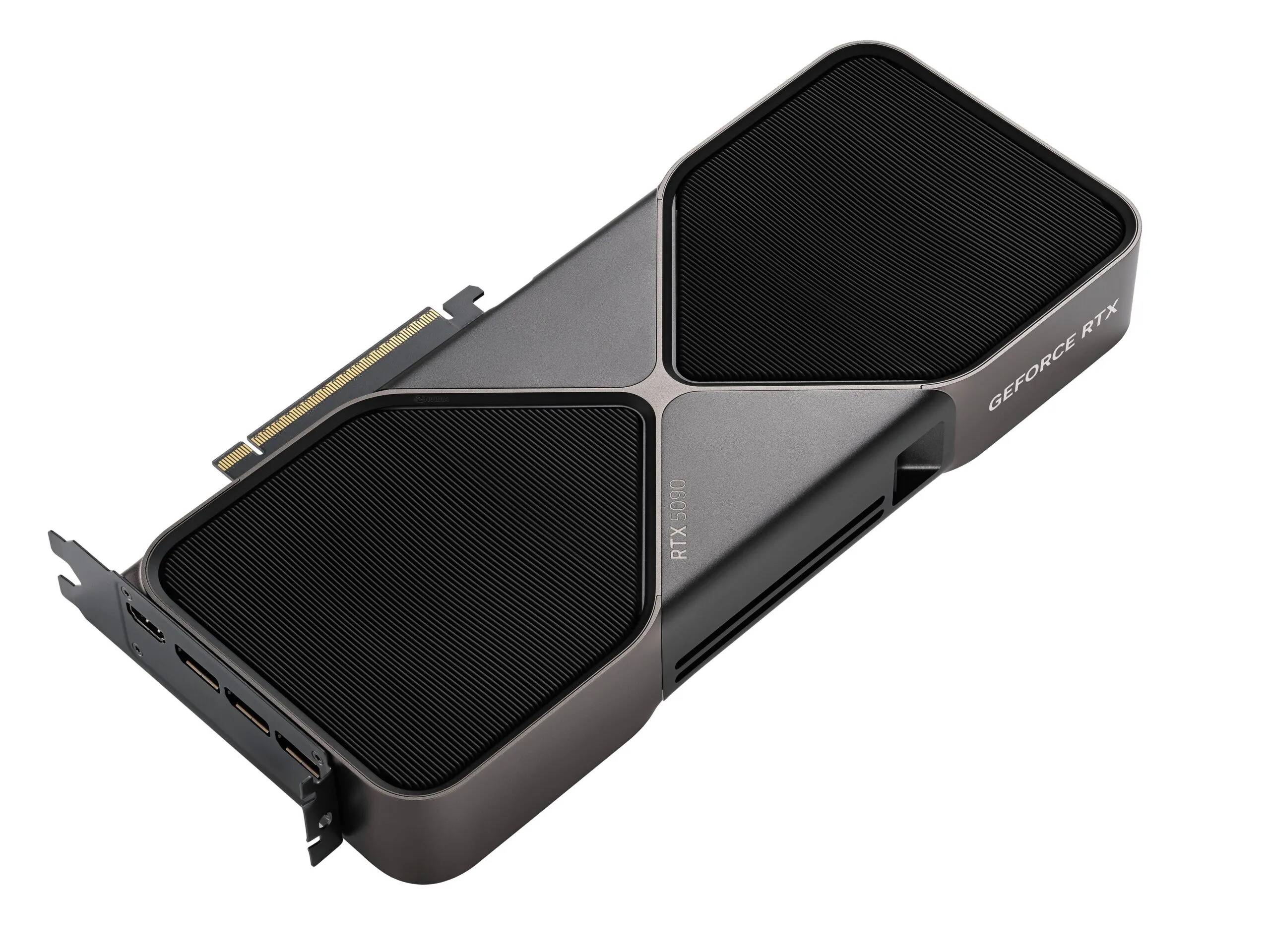
But deploying this size on PC requires a 4090 with 24GB VRAM, or a 5090 with 32GB VRAM. NVIDIA graphics cards have built-in CUDA and Tensor cores, offering the highest compatibility with the AI ecosystem. Their inference speed far exceeds Apple’s, and as long as VRAM capacity supports it, the output speed is very fast. My laptop has a 3060 with 6GB graphics card. I also have a Thunderbolt dock externally connected to a 4060 Ti with 16GB VRAM. LM Studio can call both cards to run quantized versions of Qwen, but inference speed is limited by Thunderbolt 4 bandwidth issues, with output at only about 10 tokens per second, barely usable. However, when running the GPT OSS 20B model, since the large model size is only 12GB, it can load fully, achieving inference speeds over 70 tokens per second, far exceeding Mac Mini speeds.
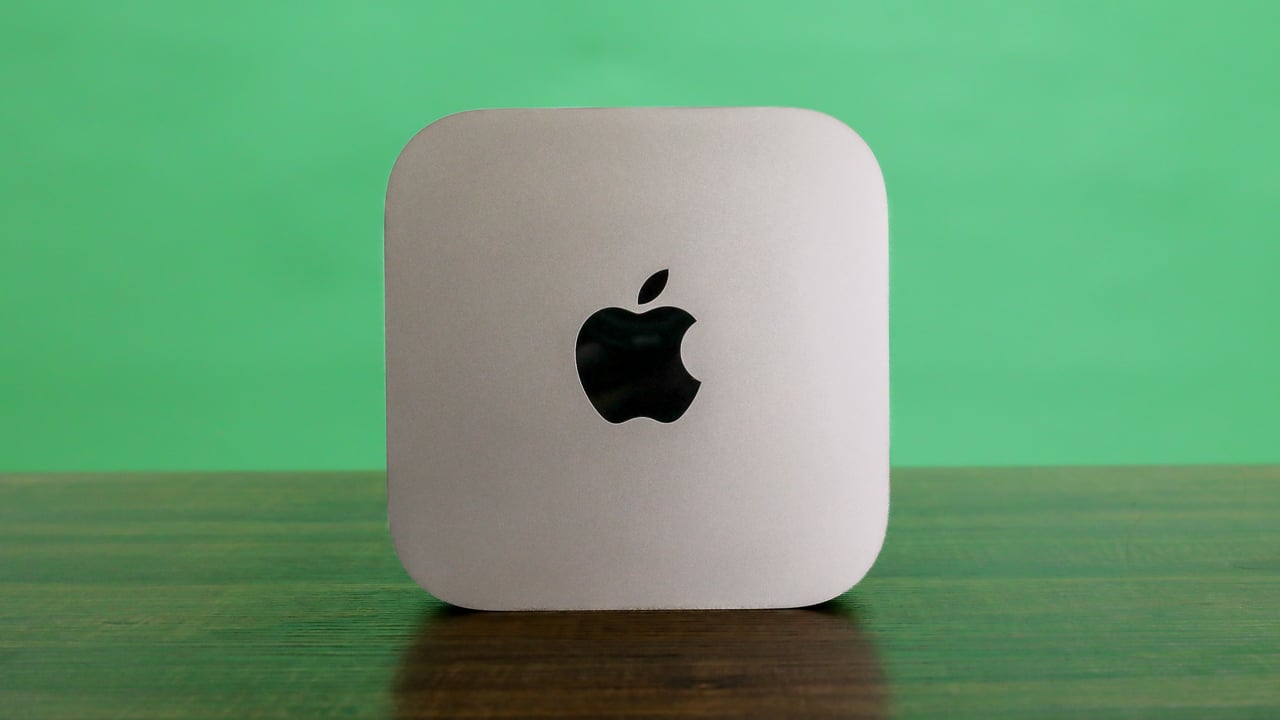
So, if you are a Mac user, a 32GB memory M4 Mac Mini can give you a decent local AI assistant. If you are a PC user, a 4090 with 24GB VRAM can give you a super-fast 30B large model assistant. Here I emphasize again that Qwen3 32B has the highest cost-performance among all large models. It is far beyond what a 20B GPT OSS can compare to, so 30B parameters are important precisely because of its existence. 70B parameter large models are much smarter, but the required hardware is quite expensive. What ordinary people can afford is buying an M4 Max with 64GB or 128GB unified memory, or waiting for the new M5 Max, which costs 4000 US dollars. I will not buy such expensive equipment for now, because DeepSeek’s online API is very cheap, and my workflow, including programming, can be handled by 30B large models.

Next, let’s talk about professional applications, like my voice AI generation needs. ChatTTS and VoxCPM are both very good voice generation tools. From my personal experience, VoxCPM is the simplest. Its voice generation effect is good, and the generated audio only needs adjustment for abnormal pauses. It can clone a specific person’s timbre, emotions during speech, and rhythm using very short sample audio, avoiding pre-training and saving a lot of time. It is an excellent tool for creating AI-voiced videos, or rather, it is the best tool. Its 1.5 version can generate about 4 minutes of audio on a Mac Mini with 24GB memory. On my PC, it can generate longer audio, though I have not tested the exact limit. A 4060 Ti with 16GB VRAM generates about 3 times faster than an M4 Mac Mini. If needing longer audio, you can let AI help modify the script, automatically generate multiple segments and merge them. Now I can generate unlimited length audio on both PC and Mac. My 4060 Ti 16GB PC, under Linux, basically takes seven to eight minutes to generate an 8-minute long audio. The voice you are hearing now is generated by VoxCPM. In Windows, using the Ubuntu subsystem, efficiency is almost the same, but careful setup is needed to avoid system hardware restrictions causing the graphics card to not work at 100%.
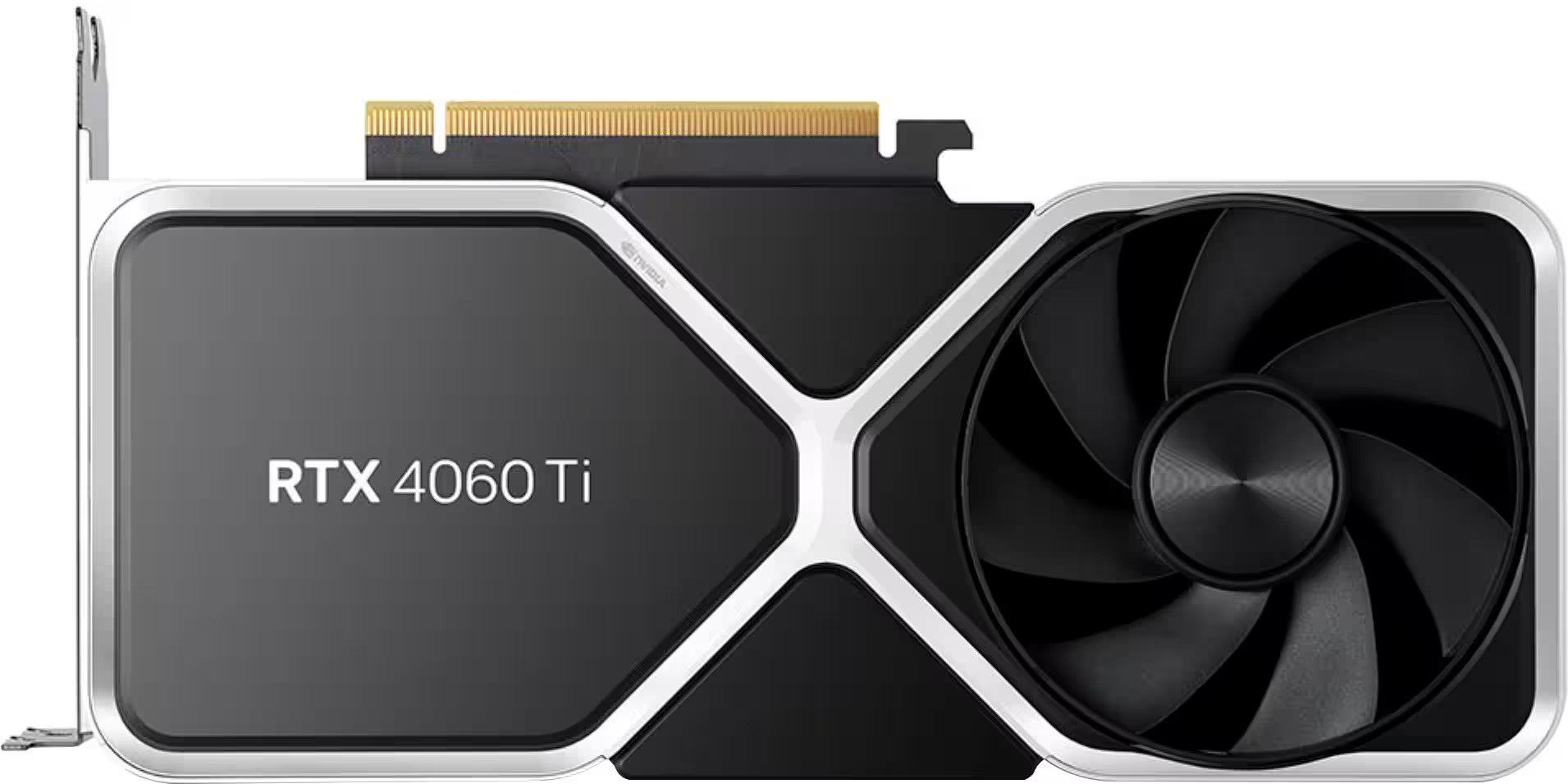
Note that most local AI models are set with 16GB VRAM as the sweet spot, because smaller lacks practicality, and larger exceeds most people’s purchasing power. Mac is an exception, but the Mac computer’s AI ecosystem is far inferior to NVIDIA’s. Its inference speed is also not as good as NVIDIA graphics cards. The only advantages are power saving and quietness. Taking commonly used functions like drawing, making images speak, simple animations, and face-swapping as examples, Mac Mini can do them all, but efficiency may be only one-third or even one-fifth of N cards. Even switching to high-end Max or Ultra, they can only load larger models, with inference speed far below flagship N cards like 4090 or 5090. For example, AI drawing involves LoRA for character consistency and ControlNet for action control. These applications are efficiently handled by 4090 or 5090, and even my 4060 Ti works well enough. But even with a much larger 512GB memory M3 Ultra for training, its effect would be far worse than flagship N cards. Because Mac’s ecosystem in these areas is poorer, and its GPU absolute compute power is far below NVIDIA. So for most people, an N card with more than 16GB VRAM is the entry ticket to experiencing most local AI.
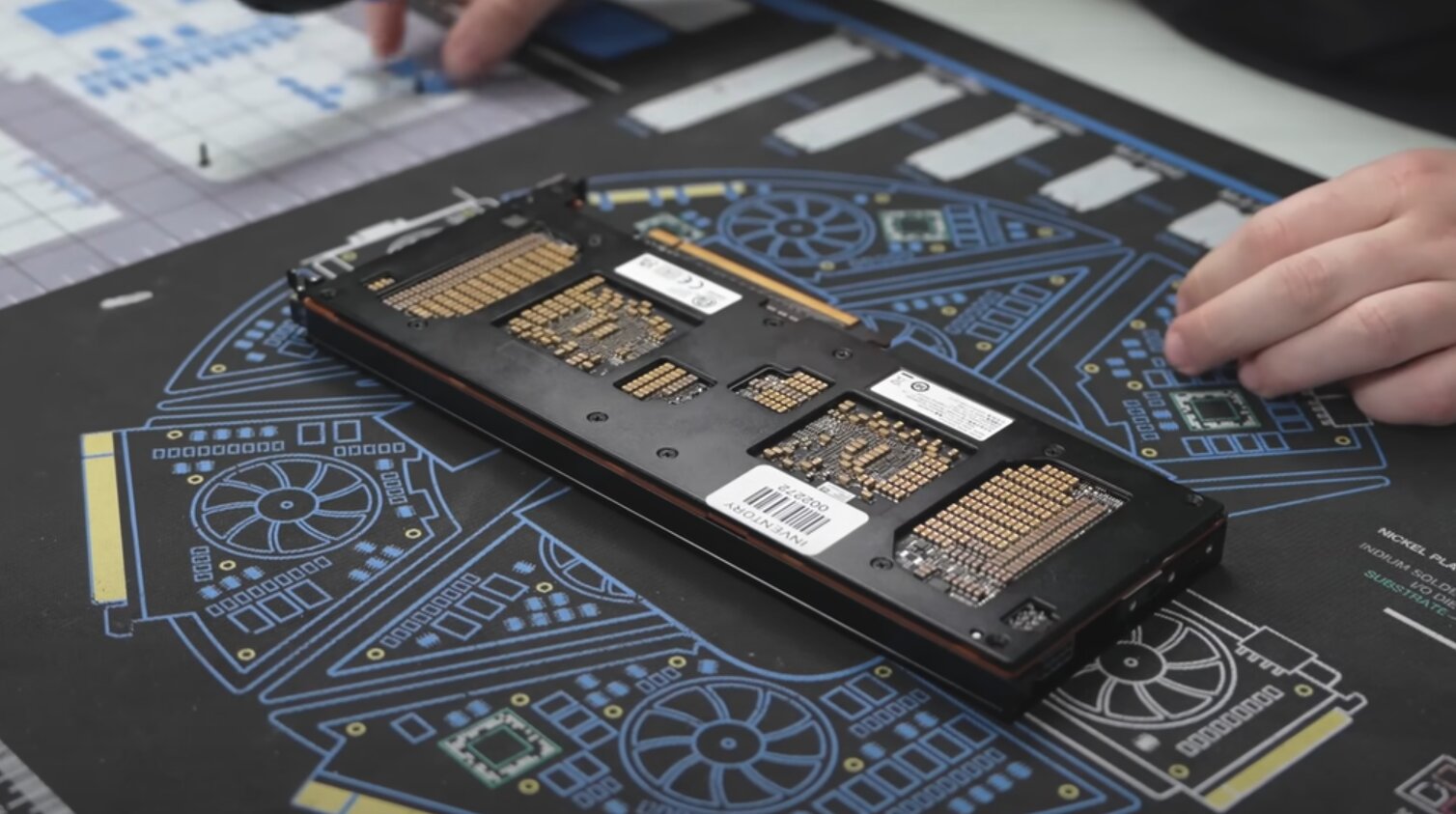
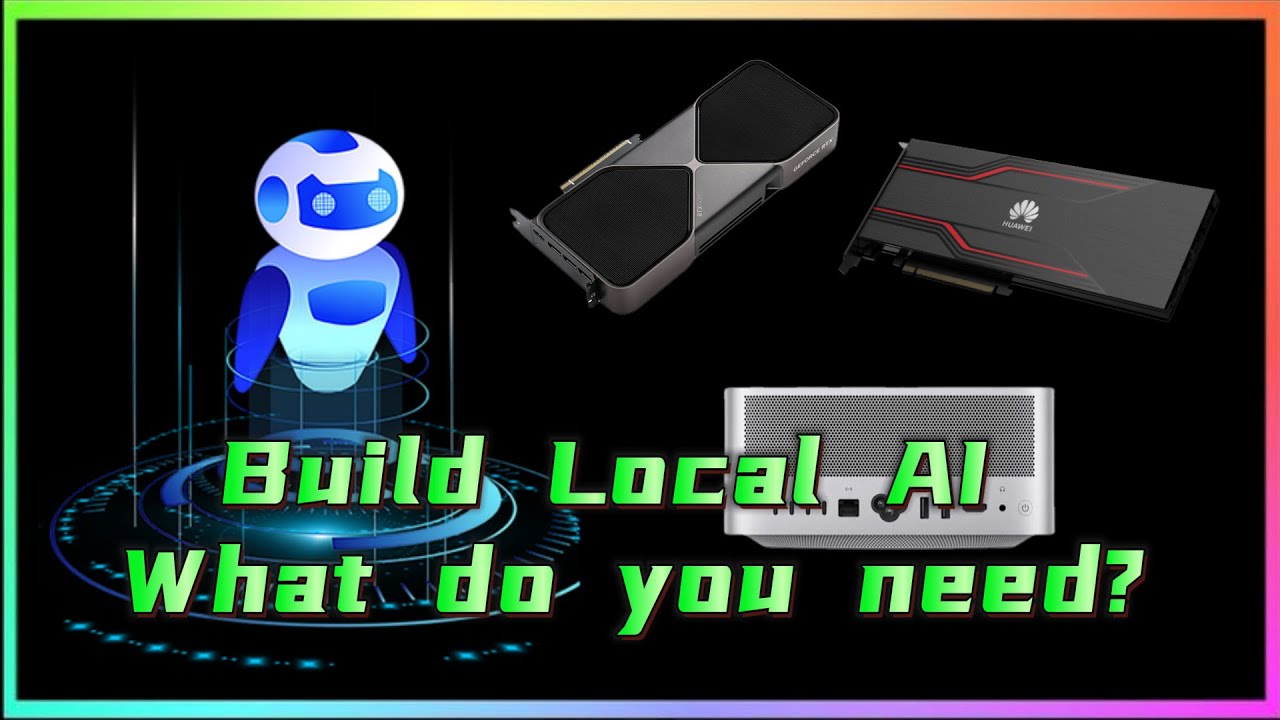
From my observations, the most suitable option I should buy now is Huawei’s Ascend Atlas 300I Duo 96G AI computing card. It costs less than 2000 US dollars, with explosive cost-performance. It can smoothly run DeepSeek 70B large models. Although it is bridged from two chips, high interconnect bandwidth allows it to efficiently exert most strength when running open-source large models like DeepSeek and Qwen. However, China’s AI technology is developing very quickly now, so I will observe a bit longer. After all, I have bought a pile of hardware at home—PCs, Macs, Huawei Harmony devices—all of which I cannot fully use. If Huawei’s AI ecosystem matures a bit more, especially improving AI drawing that I care most about, enriching Stable Diffusion and Flux ecosystems, and supporting more LoRA and ControlNet, I would not mind buying Huawei devices again.
If you have persisted in watching until now, you should understand that you, like me, are a poor person. Because truly rich people would open shopping sites and buy enterprise-level AI workstations as toys. A 512GB memory Mac means nothing to them. But in the AI era, poor people still have a tiny chance to turn things around. Maybe if we work hard, we can also use the technological dividends brought by AI to earn a bit more money.